KMS Activator Free windows and Office Activation
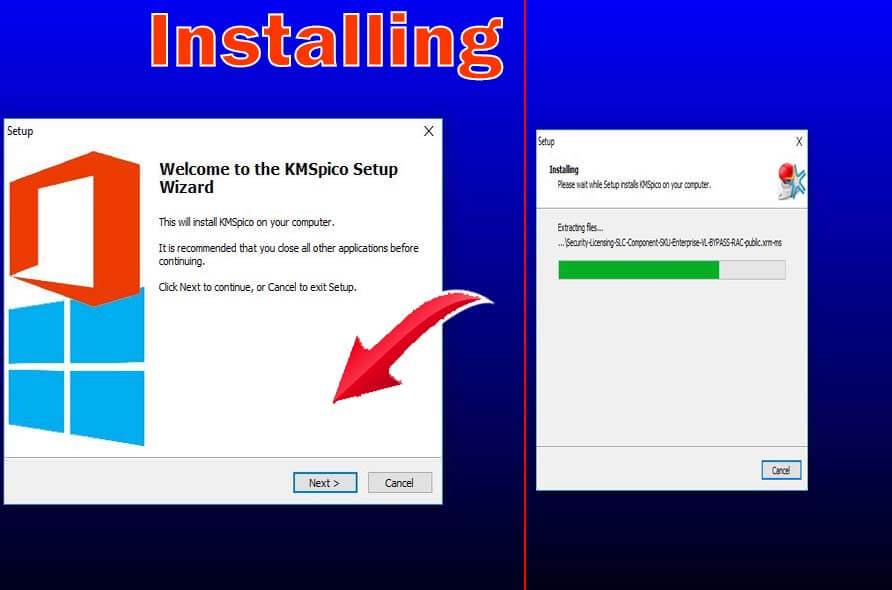
KMSPico Window 10 activator is the free activator of windows 10 and previous version developed by a team of hacker Team Daz. It is free of cost, easy to use, activates windows and virus free. It also Activate Microsoft Office and supports 32 and 64 both architecture. There are no advertisements. It can be removed … Read moreKMS Activator Free windows and Office Activation
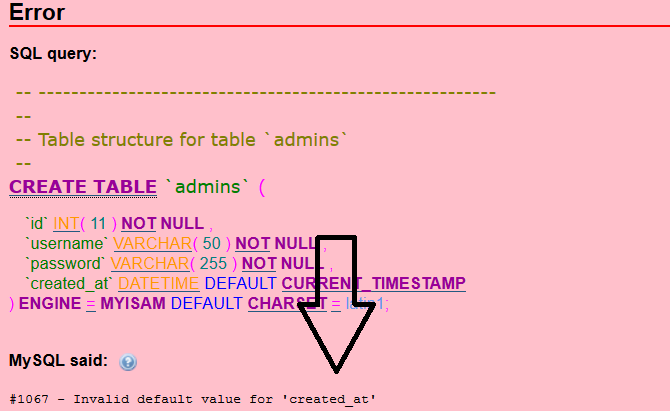
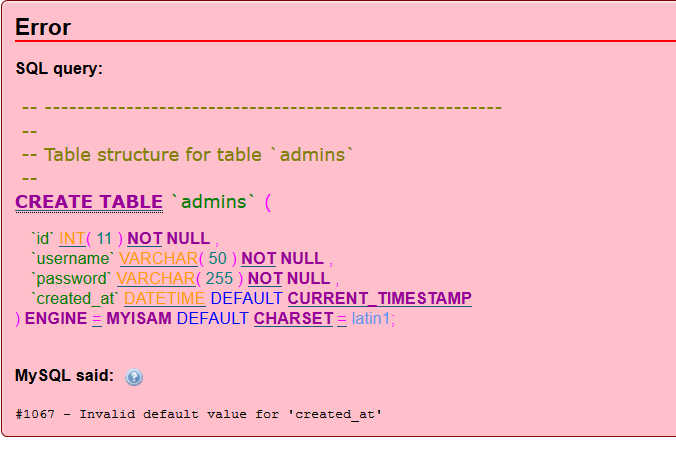
ERROR: Invalid default value for ‘created_at’ [solution]

I got a problem while adding a new column in the database as well as editing the column. The error says invalid default value for ‘created_at’ So I tried to do run this code in this code in the SQL. SET sql_mode = ”;   But It didnt work. So I tried the command allowing … Read moreERROR: Invalid default value for ‘created_at’ [solution]

HOW TO CHECK VERSION OF LARAVEL

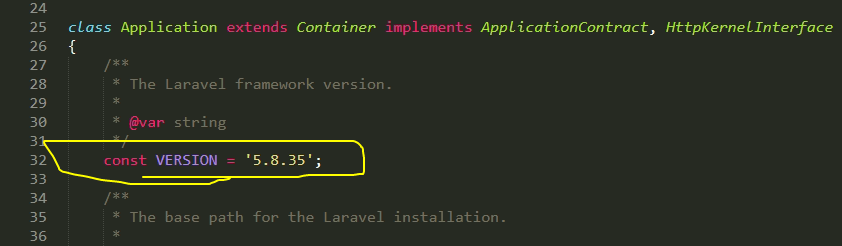
1. by command line method open command prompt and go to the laravel application directory. type php artisan –version   2. By checking laravel file In your application directory go to vendor>framework>sric>Illuminate>Foundation and open Application.php search “VERSION” and it contains the laravel version

LARAVEL PROBLEM IMAGE NOT UPLOAD PROBLEM (THE SAME PROBLEM WORKED IN LOCALHOST)

Problem Description: I have recently created a site in laravel and I had the no issue. But when I uploaded the script in the live server, there was an issue in uploading images. My form was absolutely fine <form action=”{{route(‘subject.store’)}}” method=”POST” enctype=”multipart/form-data”> {{csrf_field()}} <input type=”file” name=”image”> <button type=”submit”> Submit </button> </form> My controller was absolutely … Read moreLARAVEL PROBLEM IMAGE NOT UPLOAD PROBLEM (THE SAME PROBLEM WORKED IN LOCALHOST)

Problem in composer create-project

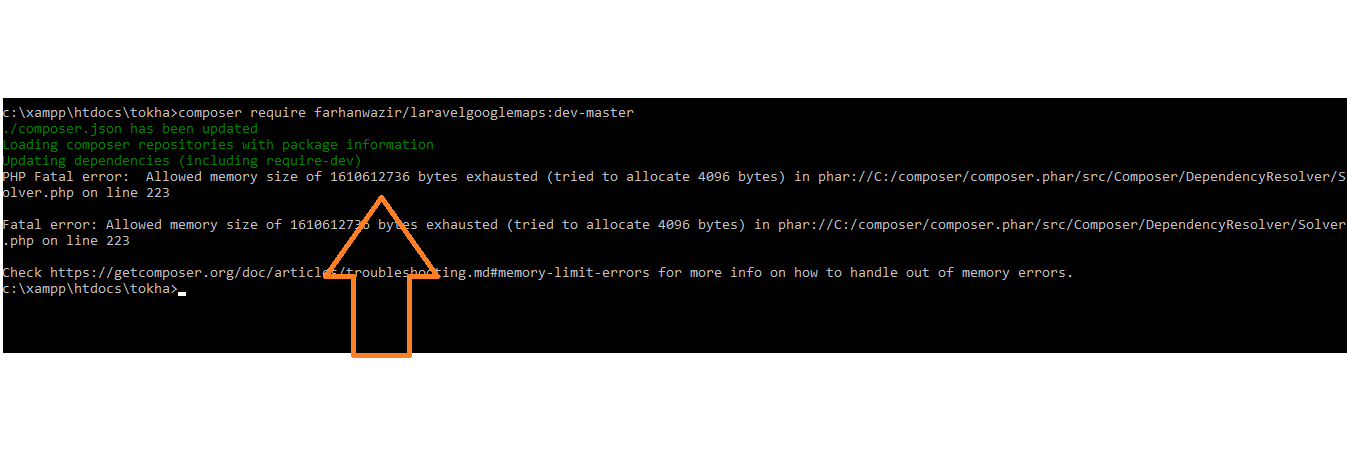
To start a new project in laravel we generally do the following code composer create-project –prefer-dist laravel/laravel projectname OR composer create-project –prefer-dist laravel/laravel projectname “version_of_laravel” You may get error as below   Now the solution for this I found is to put the code below in your command prompt. composer global require “laravel/lumen-installer”

How to solve Invalid default value for ‘created_at’ while adding new column in database.

[Problem:] While adding new column to the table by alter method, I used this sql code   ALTER TABLE investments ADD bank TEXT; ERROR 1067 (42000): Invalid default value for ‘created_at’   But An eeror came thought I tried various data type ERROR 1067 (42000): Invalid default value for ‘created_at’   [solution] The problem in my database is current mode is in the sql_mode   SO, in the sql I typed and hit the commend set global sql_mode = ‘ONLY_FULL_GROUP_BY,STRICT_TRANS_TABLES,ERROR_FOR_DIVISION_BY_ZERO,NO_ENGINE_SUBSTITUTION’;     and it solved the problem.

HOW TO ADD A NEW COLUMN TO EXISTING DATABASE [LARAVEL]

First of all make a new migration php artisan make:migration add_mobile_to_userinfo 2. put this code in up() function public function up() { Schema::table(‘users’, function($table) { $table->integer(‘mobile’); }); }   3. put this code in down() function public function down() { Schema::table(‘users’, function($table) { $table->dropColumn(‘mobile’); }); }   4. Migrate the databse php artisan migrate   … Read moreHOW TO ADD A NEW COLUMN TO EXISTING DATABASE [LARAVEL]

How to Pass Value from Model to all the views in Laravel ? with video

It is a bit tricky to pass all the values to the view from the model in laravel. First of all, make controllers and model is a must. I believe you have already done this In controller: View::composer(‘*’, function($views){ $views->with(‘settings’, App\Setting::all()); });   In Views: (according to my video) @foreach($settings as $setting) @if($setting->facebook!=null) <a class=”iconfont-wrapper” … Read moreHow to Pass Value from Model to all the views in Laravel ? with video

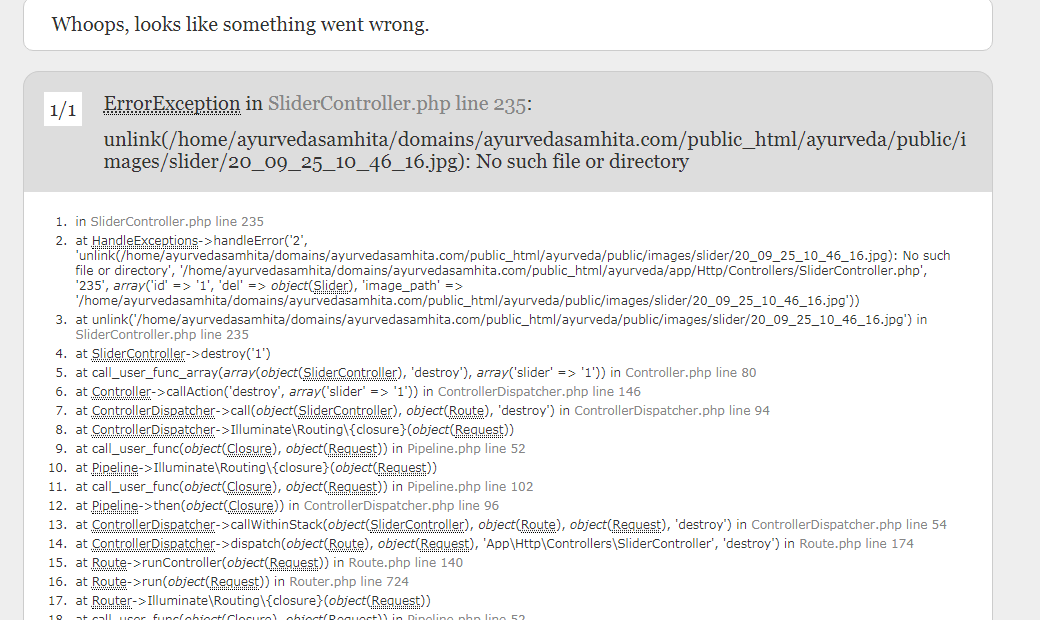
Cant Delete File in Laravel? [SOLUTION]

[Q] I am using laravel and while deleting a file in laravel It got error while code is live but worked fine in localhost. Error Looked like this controller is as follow public function destroy($id) { $del=Slider::find($id); if (!empty($del->image)) { $image_path = public_path(“images/slider/{$del->image}”); //File::delete($image_path); unlink($image_path); } $chk=$del->delete(); if($chk){ $data=Slider::get(); Session()->flash(‘msg’,’A Slider has been deleted.’); return … Read moreCant Delete File in Laravel? [SOLUTION]